 Visual Watermark
 Watermark Online
 Crop Images Online
 Compress Photos
 Resize Image Online
 Add Text To Photo
 Add Logo To Photo
 Convert to JPG
 Convert to PNG
 Blur Part of an Image
 by
by 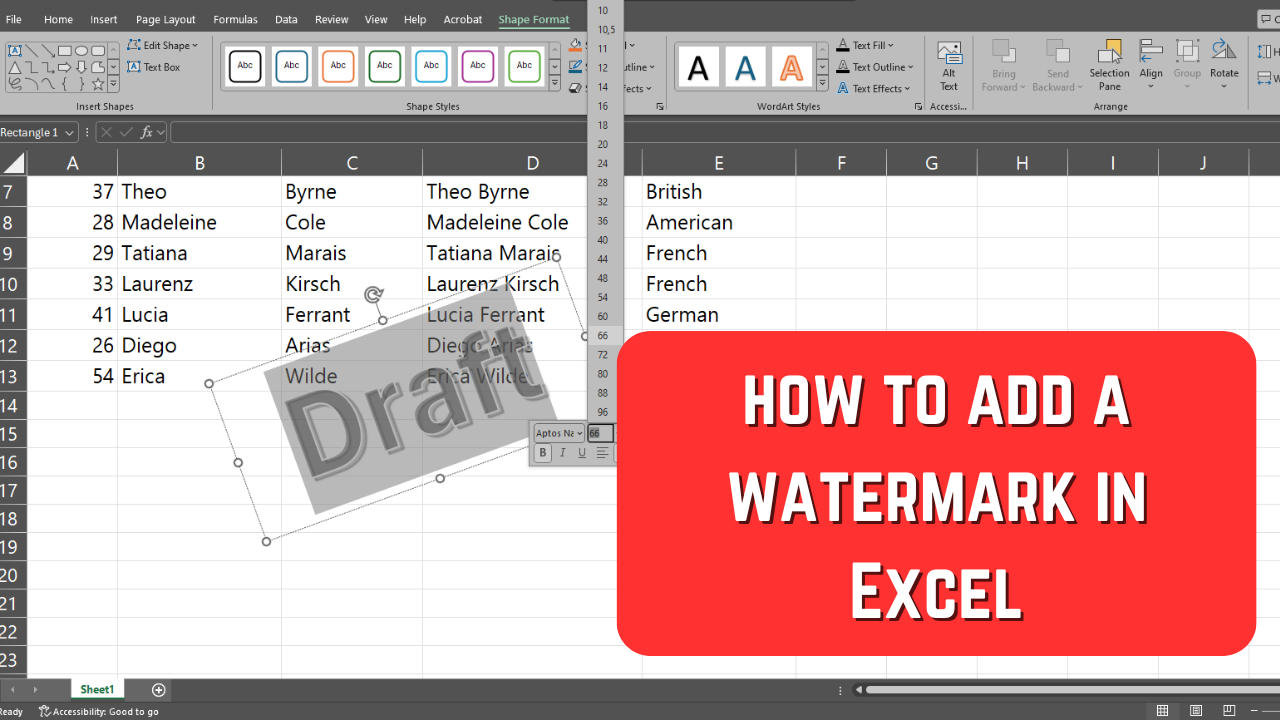
Watermarks can give your spreadsheets a more professional look. You might need to add a watermark to indicate that your document is not final or, on the contrary, that its contents are confidential and shouldn’t be shared anyone.
Watermarks can give your spreadsheets a more professional look. You might need to add a watermark to indicate that your document is not final or, on the contrary, that its contents are confidential and shouldn’t be shared anyone.
Video content is getting more and more popular these days. Due to this, there are two things that have become absolutely vital.

Adding a watermark to YouTube videos is a rather common practice these days. Fortunately, you don’t necessarily need any special software for this as YouTube Studio actually offers an option to add a watermark to your videos.

A watermark in Word is an image or text that is usually semi-transparent and located behind the body text of the document. It should be noticeable enough to serve its purposes, but not too much – otherwise it’ll distract from the content.

Lightroom Classic is a popular, powerful, yet rather simple software for editing photos. If you’re wondering whether you can watermark your images there, without jumping into Photoshop, you’ll be glad to know that the answer is yes. It is possible. In fact, it doesn’t take much time or effort, and you can add a watermark in Lightroom to as many photos as you want. Let’s see how you can watermark photos in Lightroom Classic.
AI Watermarking. How It Works and Why It Matters
Professional Quotes to Elevate Your LinkedIn Cover Photo
How to Check If Your Photo Was Stolen And What to Do About It
