Visual Watermark
 Watermark Online
 Crop Images Online
 Compress Photos
 Resize Image Online
 Add Text To Photo
 Add Logo To Photo
 Convert to JPG
 Convert to PNG
 Blur Part of an Image
 by
by 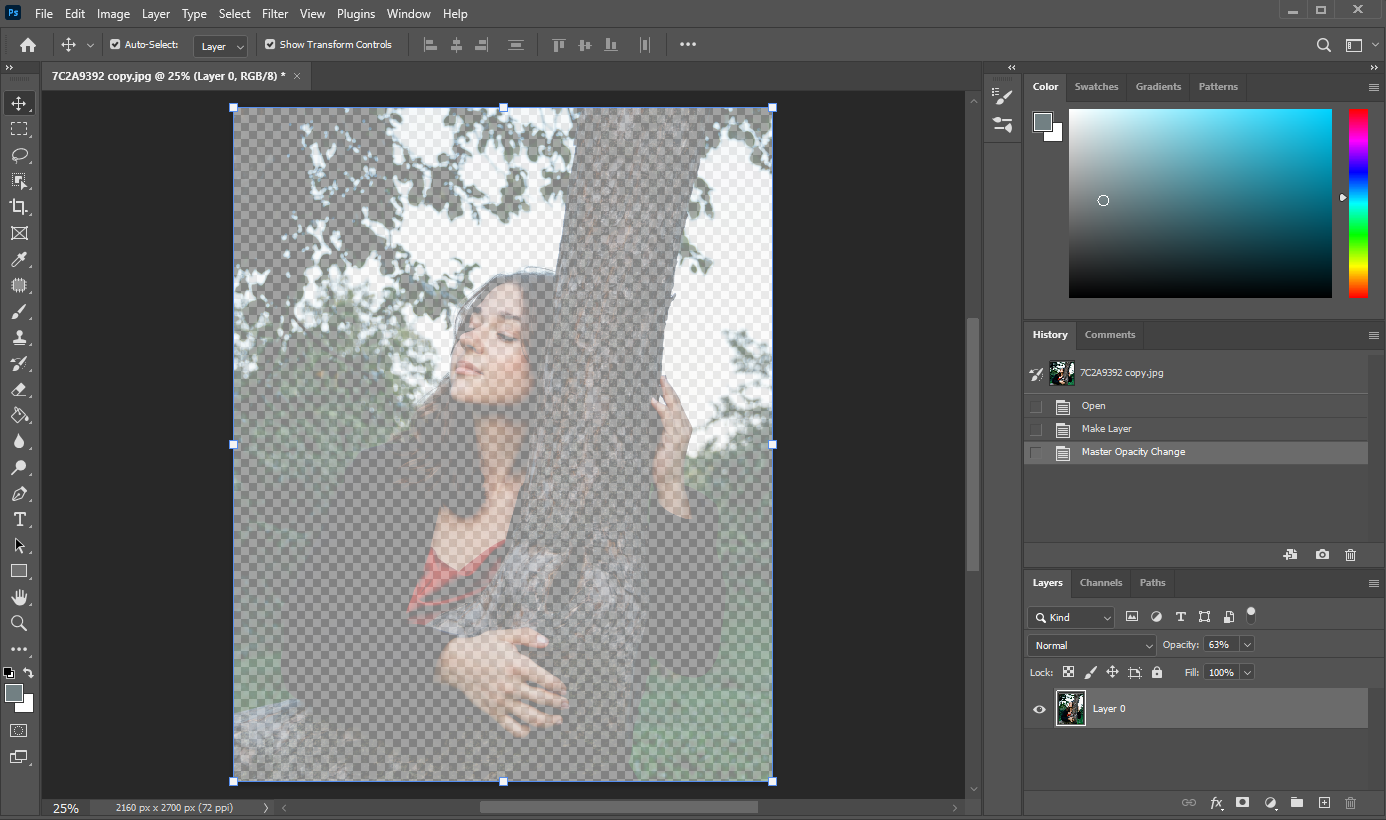
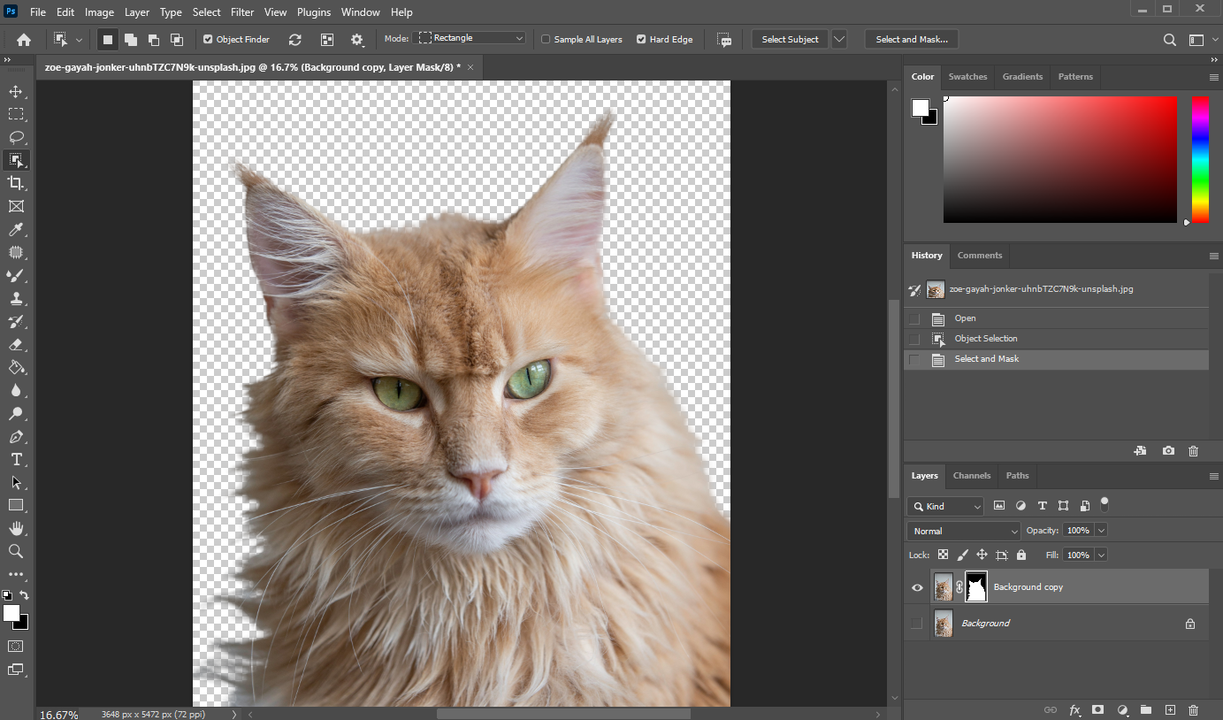
What exactly does it mean to make a photo transparent? Well, to some people it might mean changing the transparency of the overall photo. For instance, you can make it semi-transparent or even barely visible. To others, it might mean making only a part of a photo transparent, e.g. the background. Finally, it might simply mean creating a completely transparent image file.