Lightroom Classic is a popular, powerful, yet rather simple software for editing photos. If you’re wondering whether you can watermark your images there, without jumping into Photoshop, you’ll be glad to know that the answer is yes. It is possible. In fact, it doesn’t take much time or effort, and you can add a watermark in Lightroom to as many photos as you want. Let’s see how you can watermark photos in Lightroom Classic.
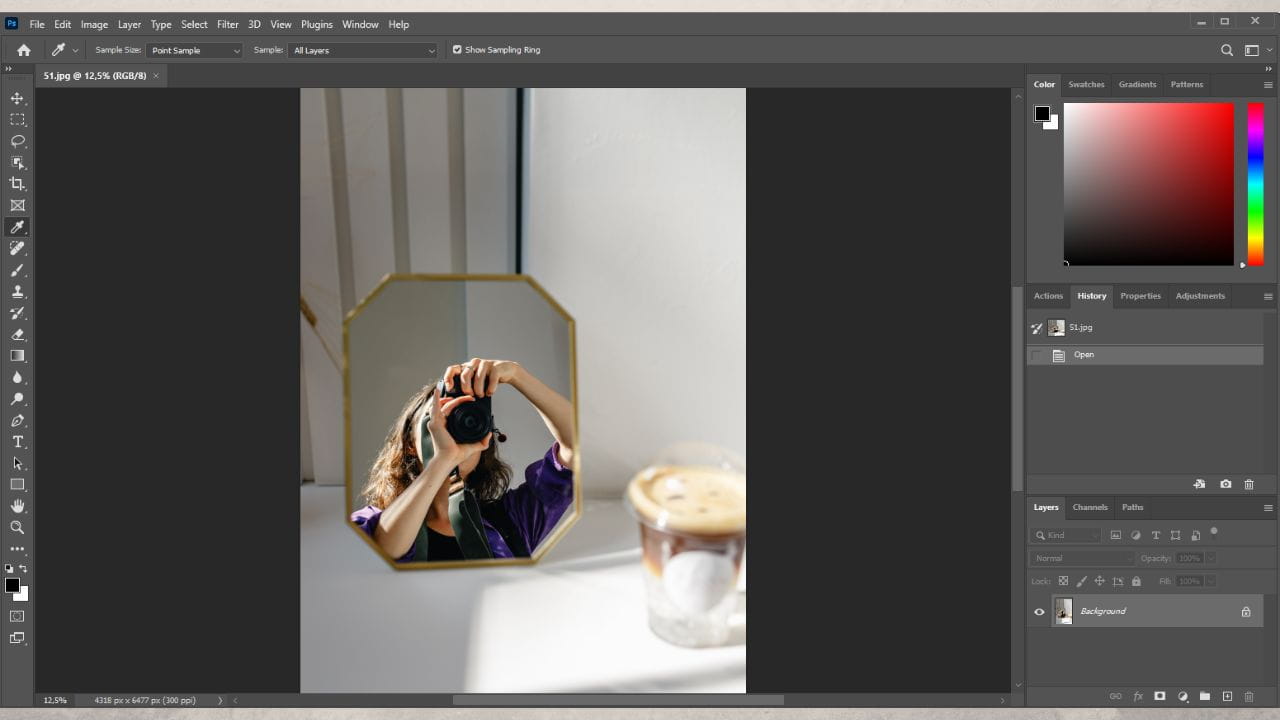
Do you want to know how to make a watermark in Photoshop quickly and effortlessly? This is the right post for you! Here you will learn all about different kinds of watermarks. Don’t worry – it’s not as intimidating as it may seem. Before we move on to actual watermarking, however, there are some preparations that need to be done. First, open Photoshop and upload an image. It can be any image, but it would be better if it’s around the same size as the majority of your photos. Then you need to decide what kind of watermark you want. Let’s take a look at three kinds of watermarks that you can design and apply to your pictures using Photoshop 24.3.0.
LinkedIn is a social platform that is chiefly used for career advancement and business-oriented networking. There, you can publish your CV, if you are a job seeker, or post a job, if you are an employer or recruiter. LinkedIn was launched in 2003 and now it’s used by people in 200+ countries, which allows you to connect and establish fruitful partnerships with people all over the world. With its help, it’s possible to find a job outside of the city or even country that you’re currently living in as well as search for remote job opportunities. LinkedIn grants you the amazing opportunity to find new business partners, expand your network of connections and get your dream job.
The human brain processes a lot of images 60 thousand times faster than text. It is so arranged that we perceive visual content better. This is confirmed by road signs, which are presented in the form of an image, not text. So, people can understand the information while driving by car. Therefore, it`s very important to think not only about the text content but also about the visual part of it when developing your website on the Internet. Let’s turn to statistics. About 80% of users remember what they saw. And according to publishers, traffic grows 12 times faster when using visual content. This is the confirmation of why you need to think about the visual component of your site.
Nowadays, it’s almost expected of you to share photos from your trips or memorable events on your social media. And that’s where you may face some danger. For example, you upload a few images to your Facebook account. A week later, you see those same images on another website or social media account. You’re more than sure that you’ve never uploaded your photos there and no mention of your name is anywhere in sight, which leads you to a horrifying conclusion – your photos have been stolen. Unfortunately, content theft isn’t uncommon – it’s actually awfully widespread, especially on social networks.
Visual Watermark
by